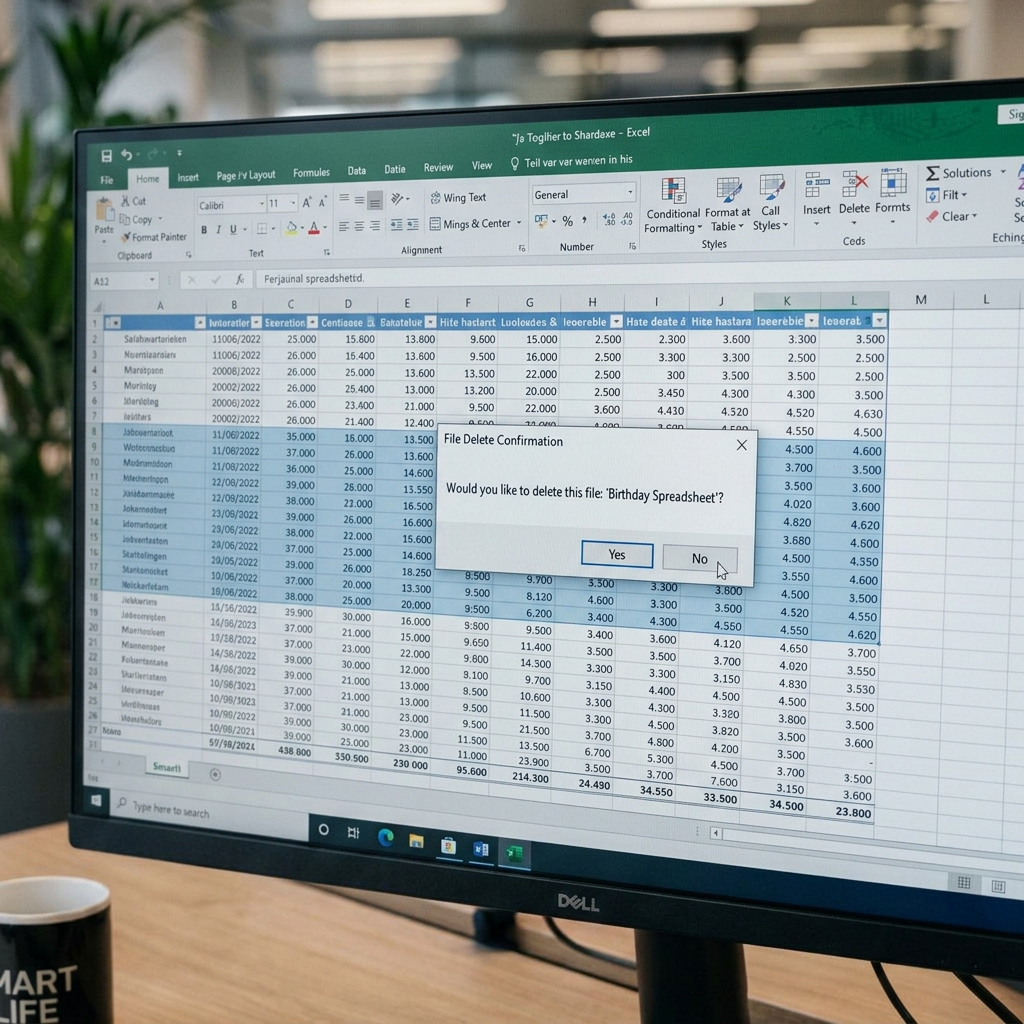














Quick quiz: whose birthday is next on your team? If answering that means opening three tabs, a shared calendar and a spreadsheet you're not sure anyone updated, this one's for you. Why? Because in a single quarter, your company might welcome a wave of new hires, open an office in a new country and say goodbye to a few familiar faces, and you need a system that can track all of that in one place.
With the right system, every birthday on your team is accounted for, and planning employee birthday gifts gets a whole lot easier. In this guide, we'll compare the most common ways to track birthdays and show you how to automate the whole thing, gifts included.
Why Keeping Track of Employee Birthdays Matters
Tracking birthdays can sound like admin, but in reality, it's one of the strongest retention tools you have. Even with an automated process, sending a thoughtful birthday gift shows you care about who your people are outside the office. A birthday recognition program that reaches every employee year after year contributes to building a strong company culture and one you'll be known for.
Closing the Distance for Global Teams
Consistent recognition is one of the biggest benefits of a birthday program. That's especially true in companies with global teams, where you want everyone to have the same experience, whether they work at headquarters or in an office on the other side of the world. That shared experience helps people feel connected to each other and to the company, no matter how far apart they sit.
New Hires Feel Welcome Sooner
Picture a new hire whose birthday comes up just days after they start. Before they’ve even learned everyone’s name, a birthday gift from the company arrives in their inbox. Being included, even if they joined last week, makes a great impression of the team they’ve chosen to join..
Good Data Makes Every Other Decision Easier
With Gifted’s automated campaigns and reporting, you get a detailed view of how your birthday recognition program performs. Real-time reports show you how many gifts were sent, redeemed or still outstanding, and you can filter them by campaign or team. When it’s time for a budget review, export the numbers and keep your CFO happy..
Why a Spreadsheet Isn't Enough
Say someone on your team asks, “Do we do anything for birthdays?” You realize the answer is no, so you open a new tab in a spreadsheet and start compiling everyone's birthday in one place. But as your company grows, a few gaps in this method can become apparent.
- It relies on manual updates. Between new hires and departures, you might be constantly editing your birthday file. The caveat is that you need to remember to do this unprompted.
- There are no reminders. Once a birthday is in the file, there's no automated alert when it's coming up, which means you need to check it regularly.
- Typos are easy to miss. Without an HRIS import, a mistyped date could mean sending a birthday gift a week early or a month late.
- The same date can be read two ways. As your company grows into new countries, a team in the US would read 03/04 as March 4, while a team in England would read it as April 3.
- There's a privacy risk. Every copy of the file that gets downloaded or forwarded puts personal information somewhere you can't keep track of.
How to Keep Track of Employee Birthdays
The good news is that a better process is easy to build once you know where the gaps are. Follow these steps to go from a single spreadsheet tab to a birthday program you can set up once and rely on every year.
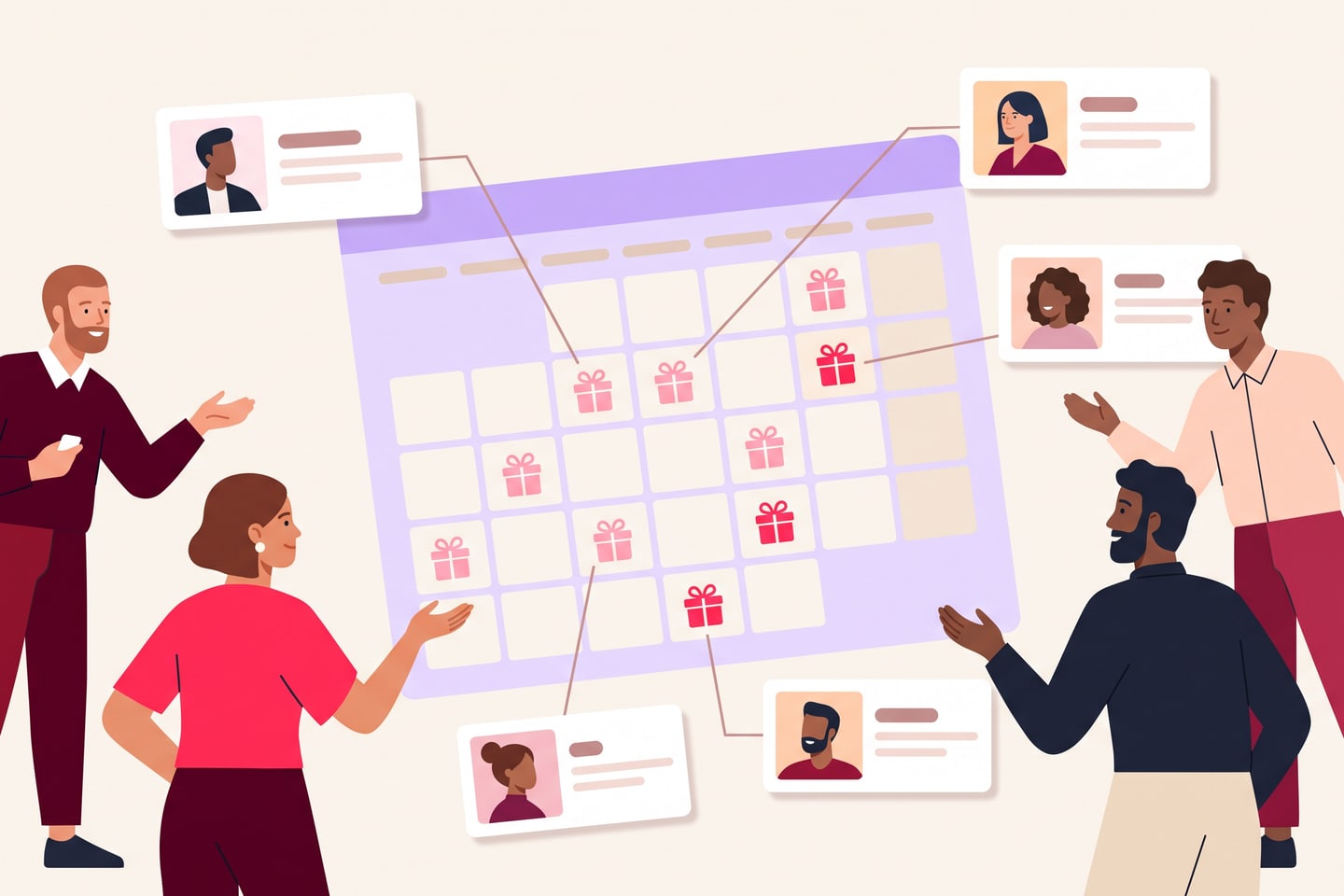
Step 1: Introduce Your Birthday Program at Onboarding
During onboarding, new hires learn how payroll works, where to find the handbook and who to ask for help. Add your birthday recognition program to that introduction, so they know from day one that your company celebrates its people.
Step 2: Keep Birthday Data in Your HRIS
Your already have security and permissions in place to keep all your employee data safe. When you integrate your HRIS with Gifted, it auto-syncs with your dashboard every day, so new hires and departures are always accounted for and you never miss a birthday again.
Step 3: Set Birthday Reminders With Lead Time
Every year, your birthday program gives you a clearer picture of what to spend on birthday gifts for employees next time. Start with last year's budget, factor in how much your team is expected to grow and set up a meeting with finance to get approvals done before the year begins. If you're thinking of changing anything, like raising the gift amount, that meeting is the right time to bring it up.
Birthday Tracking Methods Compared
If you’re deciding how to track birthdays, the table below puts the three most common methods side by side, so you can see which one fits your team. Our vote goes to the HRIS, though we’ll admit we’re a little biased with 45+ HRIS integrations under our belt.
| Method | How birthdays are updated | How gifts are sent | Who can see the data | Scales with the team |
|---|---|---|---|---|
| Spreadsheet | Typed in by hand for every new hire and departure | Manually, one by one | Anyone with the file | Poorly |
| Shared calendar | Added by hand as calendar events | Manually, with a calendar alert | Everyone invited to the calendar | Somewhat, with ongoing upkeep |
| HRIS synced with Gifted | Automatically, with a daily sync | Automatically, every birthday | Set by your HRIS permissions | Well, at any headcount |
Every hour spent updating a spreadsheet or a calendar is an hour taken away from everything else on your plate. Once your HRIS is synced to Gifted, your birthday program fits into your team’s day-to-day workflow without you lifting a finger, so you can spend that time improving the experience for your people and still get through your to-do list.
Every birthday on your team deserves to be celebrated, and every one can be, automatically.
The Gifted Team
How to Automate Birthday Reminders (and the Gift Too)
Here's how a birthday program works in Gifted, from the first setup to the thank-you that comes back, with every gift in between sent automatically.
Set Your Birthday Program Once
From the design to the budget, every part of the gift can reflect your company. Use budget profiles to set an exact spend cap and decide who can make changes, then set the gift to repeat every year. The setup is evergreen, so every employee, including the ones you haven't hired yet, is celebrated automatically.
Let Each Person Choose
Everyone has different taste, so the best employee birthday gift ideas usually come from the employees themselves. With Gifted, each person picks what they want from 4,500+ brands and can split one gift across different brands and gift types. They add their own shipping details when they redeem, so there's no need to collect home addresses.
Add a Personal Greeting
Whether you keep one of the prewritten messages or write your own, you can include each person's first and last name so every message feels like it was written for them. Employees can send a thank-you back, and each one shows up on your thank-you wall, a colorful reminder of how much the celebration means to your team.
Best Practices for Managing Birthday Data

A thriving company is always changing, from promotions to new teams to the next great hire. With a few simple practices, you can protect everyone's information and include every new teammate in the celebrations.
- Review access when roles change. When someone moves teams or leaves, check who has permission to see birthday data in your HRIS.
- Ask before celebrating publicly. Some people love a team-wide shout-out, while others prefer something quieter. Check before posting anyone's birthday in a public channel.
- Choose tools built for privacy. Gifted is ISO 27001 certified and GDPR and CCPA compliant, so your employee data stays protected.
- Check your dashboard after big changes. After a reorg or an acquisition, look at your Gifted dashboard to confirm everyone on the new roster is included.
From Tracking Birthdays to Celebrating Them
So, whose birthday is next on your team? With the right system in place, you'll know the answer without opening a single tab, and their gift is already taken care of.
Whether you're sending corporate birthday gifts to a team of 20 or 2,000, we're ready to get you set up.
Frequently Asked Questions
What's the best way to keep track of employee birthdays?
Use a system connected to your HR records, so birthdays update when people join or leave and reminders go out automatically. A spreadsheet or shared calendar works for a very small team, but both depend on someone maintaining them.
Should we collect an employee's birth year?
No, the month and day are all you need. Leaving out the year reduces the sensitivity of the data and avoids any hint of age-related comments.
How far in advance should birthday reminders go out?
A few days ahead works well for most teams. That's enough time to write a personal message and make sure the gift arrives on the day rather than after it.
Is a shared spreadsheet a privacy risk for birthday data?
It can be. Files get copied, forwarded and shared by link, so dates end up with people who don't need them. Keep birthdays in an access-controlled system instead.
How do we track birthdays for remote and global teams?
Keep every date in one central system rather than per-office lists. With Gifted, recipients see the gift value in their own currency and only see what's available in their region, so one campaign covers everyone.
What if an employee doesn't want their birthday celebrated?
Honor it. Make sharing optional at onboarding and offer an easy opt-out later, then remove the date from any campaign or reminder.
Does automating birthday tracking add cost?
Not with Gifted. There are no platform fees and no per-user fees, so 100% of the company's spend goes to the people you're recognizing.
gifted.co/blog/how-to-keep-track-of-employee-birthdays
From the Gifted team
Retire the birthday spreadsheet for good
Celebrate every employee birthday automatically, every year, without lifting a finger.
Talk to our team